

.png)

Some payments happen once. Rent, subscriptions, savings contributions, and recurring transfers to the same person happen again and again. Until now, each one required you to open the app, approve the transaction, and confirm with your passkey. Scheduled Payments change that.
You define what to send, to whom, and how often. Moneda handles the rest — executing each payment automatically on the schedule you set, while your funds stay fully in your control.
What you can schedule
Scheduled Payments work for the things you already do in Moneda, just on autopilot:
- Send to a Moneda contact — recurring transfers to anyone on Moneda
- Send to a bank account — automated withdrawals to your own bank or a contact's
- Send to an external wallet — recurring transfers to any wallet address
- Deposit into an earnings account — automate contributions to your vault for dollar-cost averaging
Each schedule supports USDC, EURC, CHFAU, and CADD.
Frequency and timing
You choose the rhythm that matches your need:
- Daily — every day
- Weekly — on a chosen day of the week
- Biweekly — every two weeks
- Monthly — on a chosen day of the month
- Quarterly — every three months
- Custom — any interval you define, in days
You set a start date, an optional end date, and the time of day you want the payment to go out. Payments execute within an hour of your scheduled time.
When creating a schedule, you can choose to execute the first payment immediately and schedule the rest going forward, or schedule everything starting from a future date.
How it stays self-custodial
The question with any automated payment in a self-custodial wallet is: who presses the button? If you are the only one who can authorise transactions, how does a payment go out while you are asleep?
The answer is Smart Sessions. When you create a scheduled payment, your passkey authorises the installation of an on-chain session with strict, enforceable rules. The session defines exactly what can happen: which token, how much, to which recipient, and on what schedule. A keeper service then executes each payment within those rules.
The keeper cannot exceed the spending limit. It cannot change the recipient. It cannot move a different token or send to a different address. All of these constraints are enforced by the blockchain itself, not by Moneda's servers. If the keeper tried to do anything outside the session's scope, the transaction would simply fail on-chain.
You can revoke any session at any time with a single tap, which immediately disables the scheduled payment.
Built-in safeguards
Several layers protect you beyond the on-chain session rules:
- Per-payment spending limits — each schedule has a maximum amount per execution and per period, enforced on-chain and resetting automatically
- Recipient pinning — the destination address is locked at creation and cannot be changed without cancelling and recreating the schedule
- Session expiry — you choose how long the session lasts (30, 60, 90, or 180 days), after which you re-authorise with your passkey to continue
- Automatic pausing — if three consecutive executions fail, the schedule pauses itself and notifies you
- Balance warnings — if your balance is too low for an upcoming payment, you receive a notification 72 and 24 hours in advance
The worst case, even in an unlikely scenario where the keeper service were compromised, is bounded: an attacker could only execute payments within the limits of each active session. They could not exceed the spending cap, change recipients, or create new sessions. That requires your passkey.
Managing your schedules
All your scheduled payments live in one place. You can pause and resume any schedule, edit the end date or payment reference, or delete it entirely.
Changes to the amount, recipient, or frequency require cancelling the current schedule and creating a new one, because those fields are part of the on-chain session's rules. This is by design — the rigidity is what makes the security guarantees real.
Each execution appears as a regular transaction in your history, tagged with the schedule it belongs to. You can assign categories to scheduled payments for budget tracking, just like any other transaction.
How to get started
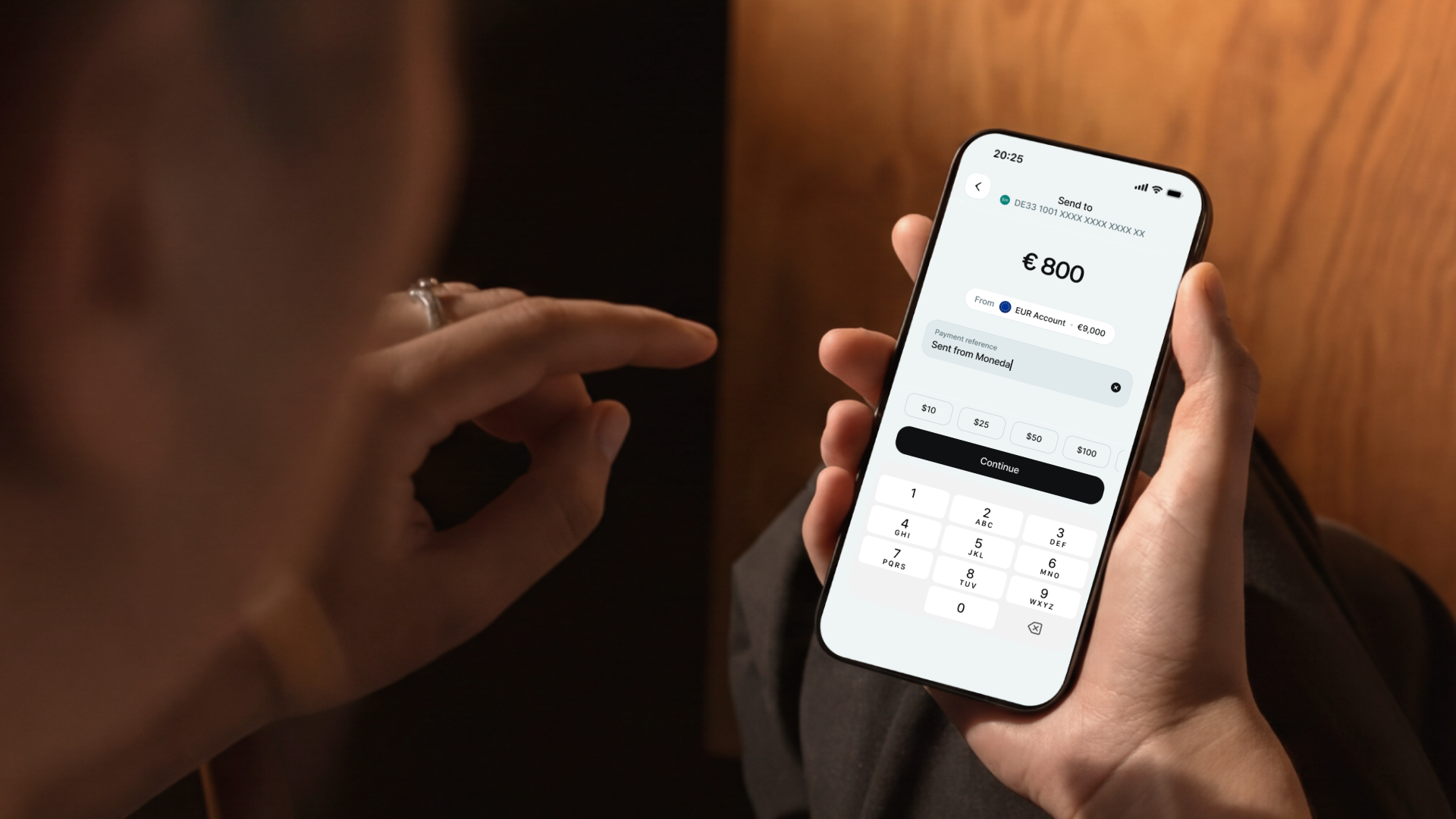
Open a send flow as you normally would — to a contact, a bank account, a wallet, or an earnings account. Choose to schedule instead of sending immediately. Pick your frequency, set your timing, and confirm with your passkey.
The first time, there is a quick one-time setup to enable the Smart Sessions module on your account. After that, creating new schedules takes seconds.
If you have payments you make at the same time every week or month, this is what Scheduled Payments are for. Set it once, and it runs.