

.png)

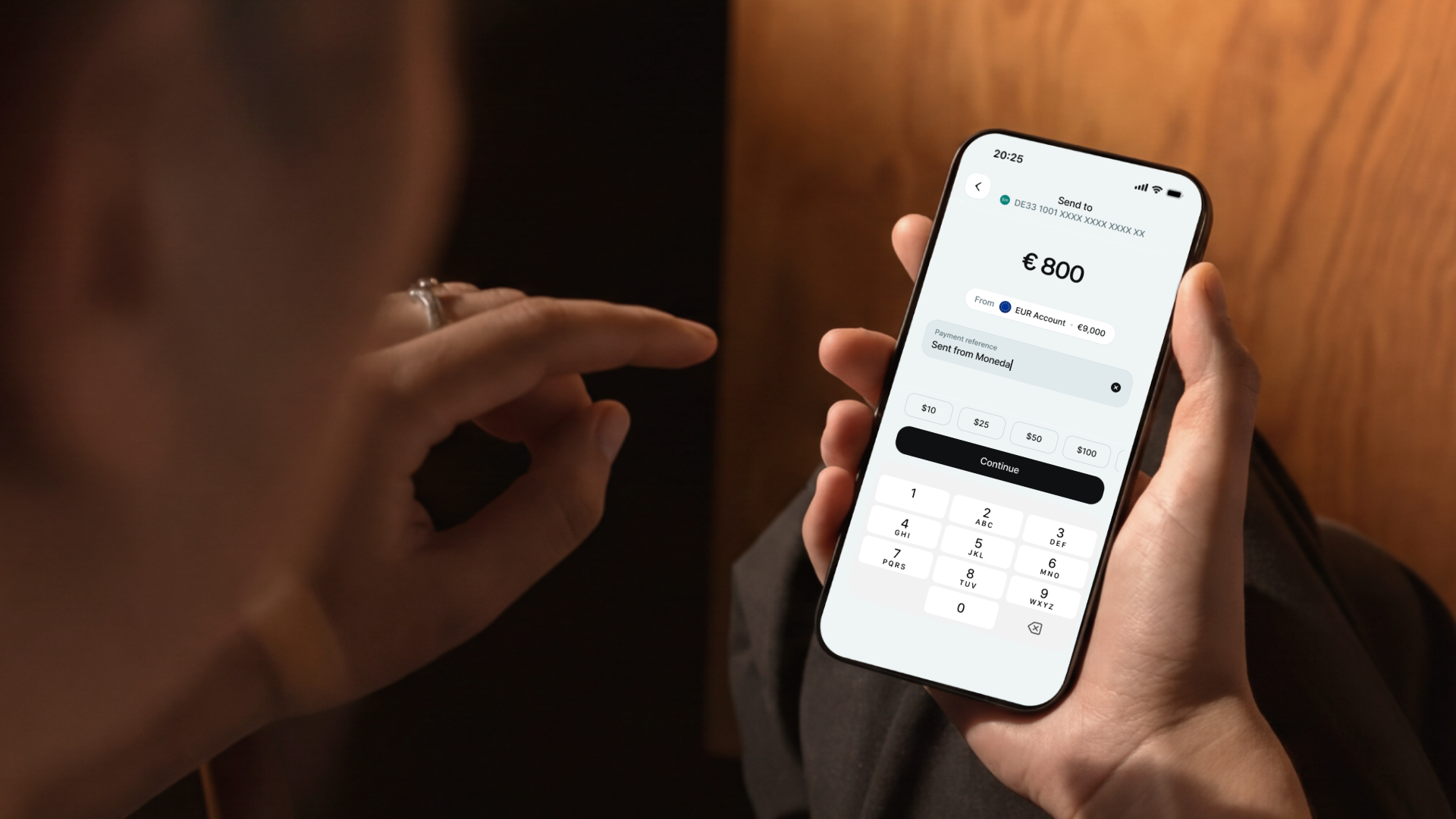
Moneda now supports QR codes for sending, receiving, and paying. You can scan a QR code to transfer stablecoins on Moneda or save a contact from an IBAN QR and immediately initiate a payment via SEPA. You can also display your personal QR code so anyone can send you funds directly on Moneda or from other wallets.
Share your QR code on Moneda
Your Moneda app generates a QR code linked to your wallet that you can share with friends or anyone you want to receive funds from. They can scan it to send you stablecoins directly on Moneda or from other wallets.
Pay with stablecoins to crypto wallets
Scan a standard wallet address QR code. If the address belongs to an existing Moneda contact, the app takes you straight to the send screen with the recipient filled in. If it's a new address, you'll be prompted to add it as a contact first. At the moment, only addresses on the Base network are accepted.
Scan and send funds to European banks via SEPA
The scanner reads European Payment Council QR codes, the standard format printed on invoices, utility bills, and point-of-sale terminals across the EU. It extracts the recipient name, IBAN, amount, and reference where available, and pre-fills the payment form. Identity verification (KYC) and an active EUR account are required to use this feature.
How to scan
The scanner uses your device's live camera by default. You can also select a saved QR code image from your photo library, or toggle the flashlight for scanning in low light.
Where to find it
The scan icon appears in the top-right corner of the home screen, account details, and the send flow. From the scanner view, a button at the bottom takes you to your own QR code display.
Safety
Every scan runs through a series of checks. Non-Base chain addresses are rejected. IBANs are validated before pre-filling any forms. QR code payments via SEPA require completed identity verification and an active EUR virtual account. Suspended accounts cannot process IBAN QR codes. If camera access hasn't been granted, the app explains why it's needed and links to your device settings.
Availability
QR codes are available now on iOS and Android, in English and Spanish. IBAN scanning requires completed KYC and an active EUR account.